Data & access
Who sees what, and where an auditor would look. Tie it to your real DPA and hosting choices when you publish.
POSBX ties the lane, workshops, bookings and the dry compliance bits to a simple map of pages. Sales, IT and the floor can point at the same URLs instead of translating for each other.
We skipped a pricing maze on purpose. Every capability is a short page you can paste into email or open in training.
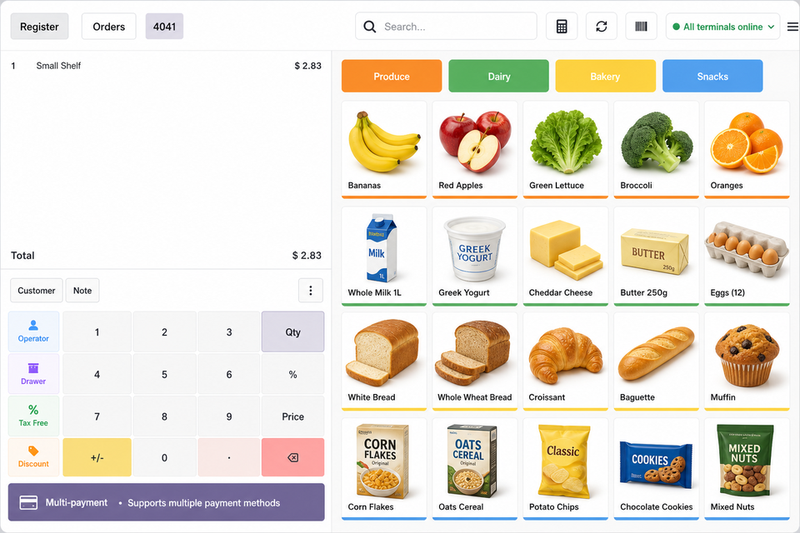
Whether you run one counter or twenty doors, the same pages should help someone find the right module in about a minute—no PDF hunt.
Operators & rollout folks
When you have real logos and stats, put them here. Until then we would rather spell out how POSBX is sliced than paste a fake customer wall.
Plain answers you can sharpen with legal later—we kept the page structure boring on purpose.
Who sees what, and where an auditor would look. Tie it to your real DPA and hosting choices when you publish.
Upgrade weeks and downtime: say what you target next to this card so nobody invents an SLA from marketing copy.
Where regulations touch the register—Compliance Hub and fiscal add-ons when your project needs them, not a black box.
Modules you can package per vertical without dragging the whole suite into every quote.
Short retail checkout clip (card at the till)—a POSBX workflow preview. Swap it in Website → Edit for your own POSBX screen capture when ready. Get started if you prefer reading first.
Headline, a few bullets, screenshots. If the path is obvious, fewer people get lost.
Faster checkout, repairs, bookings, compliance—whatever the call is about, start from the tile that matches it.
Each feature opens with what changes for staff, then screenshots you can swap without a developer.
Same URL from the mega menu or hub—when everyone bookmarks the same page, you ship fewer “where was that?” chats.
Not a feature laundry list—just the buckets teams actually argue about.
Faster scans, offers, terminals and lane discipline — anchored on POSBX.
See lane story →Repairs plus appointments when time-based promises matter to customers.
See operations →Risk language and roadmap artefacts your finance team expects — Compliance Hub.
See compliance →Shelf discipline and print-ready label flows — Barcode labels plus POSBX.
See merchandising →Each line points to a longer story if they want detail.
Sample lines only—swap for real quotes in edit mode when you have them.
“We stopped emailing screenshots. Every URL looks the same, so procurement finally knows where to click.”
“Repair and POS use the same words now. Small change, half our ‘what does this button do?’ tickets vanished.”
“Compliance pages read like a cockpit, not a PDF dump. Auditors got the story in one sitting.”
Paste PDFs, Looms or partner logos in edit mode when you have them. If you would rather talk it through first, start at contact and we will map capabilities to your rollout.
Jump straight into a story — or open the full feature hub for every tile.
Who we are, how to reach us, and the long POSBX tour.

POSBX integrated terminal
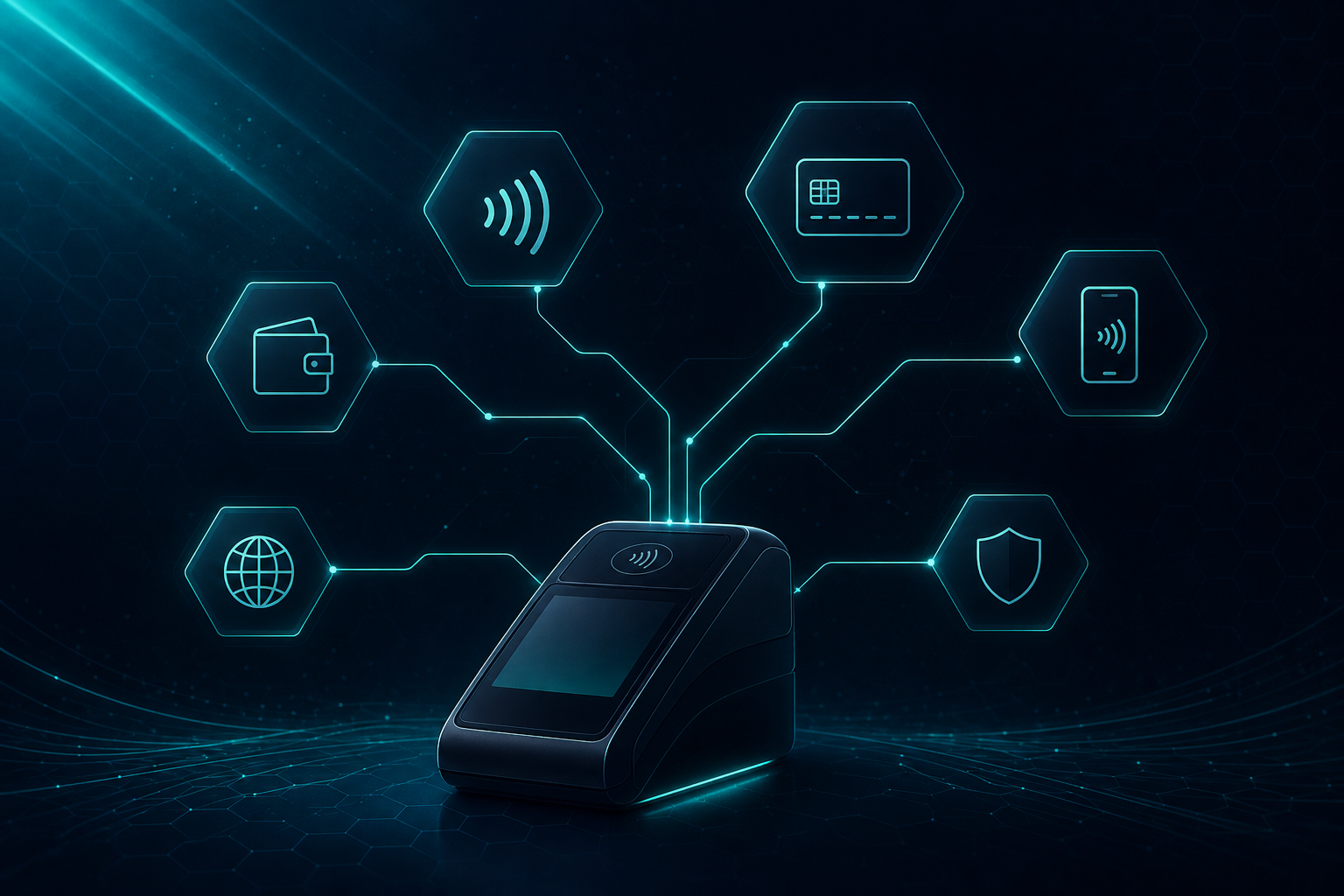
Lane work on PAX: taps, wallets, voids, receipts—then wire in whichever acquirers your project already runs next to POSBX.
PAX hardware + the providers you turn on
Shoppers see Apple Pay, Google Pay and card rails on the PAX screen when your acquirer supports them on that device. POSBX keeps the lane copy honest: we describe a tender mesh that mirrors the grid you configure in the project.
Integrate with
 POSBX integrated terminal
 Adyen
Adyen
 Mercado Pago
 Razorpay
 Stripe
 Viva.com
 Pine Labs
 QFPay
QFPay
 DPO Pay
 Mollie
 Safaricom
Example tender rails on certified lanes
Coverage follows your acquirer contracts, certified hardware and whichever integrations you activate—positioning only, not legal coverage.
Skim a feature page or book a call—either way the public links stay the ones in the menu.